.webp&w=128&q=75)
Maya Chen
Ecommerce product listings
Supplier photos often arrive with no notes. I use the first answer to draft a title and a few feature bullets.
Upload images or short videos and turn them into detailed descriptions, alt text, OCR text, SEO copy, captions, AI prompts, and review notes for real work.
Describe Image
Upload an image, choose a mode, and get your result in seconds.
Sixteen real prompts and AI outputs — scroll each card or click to open the full result.
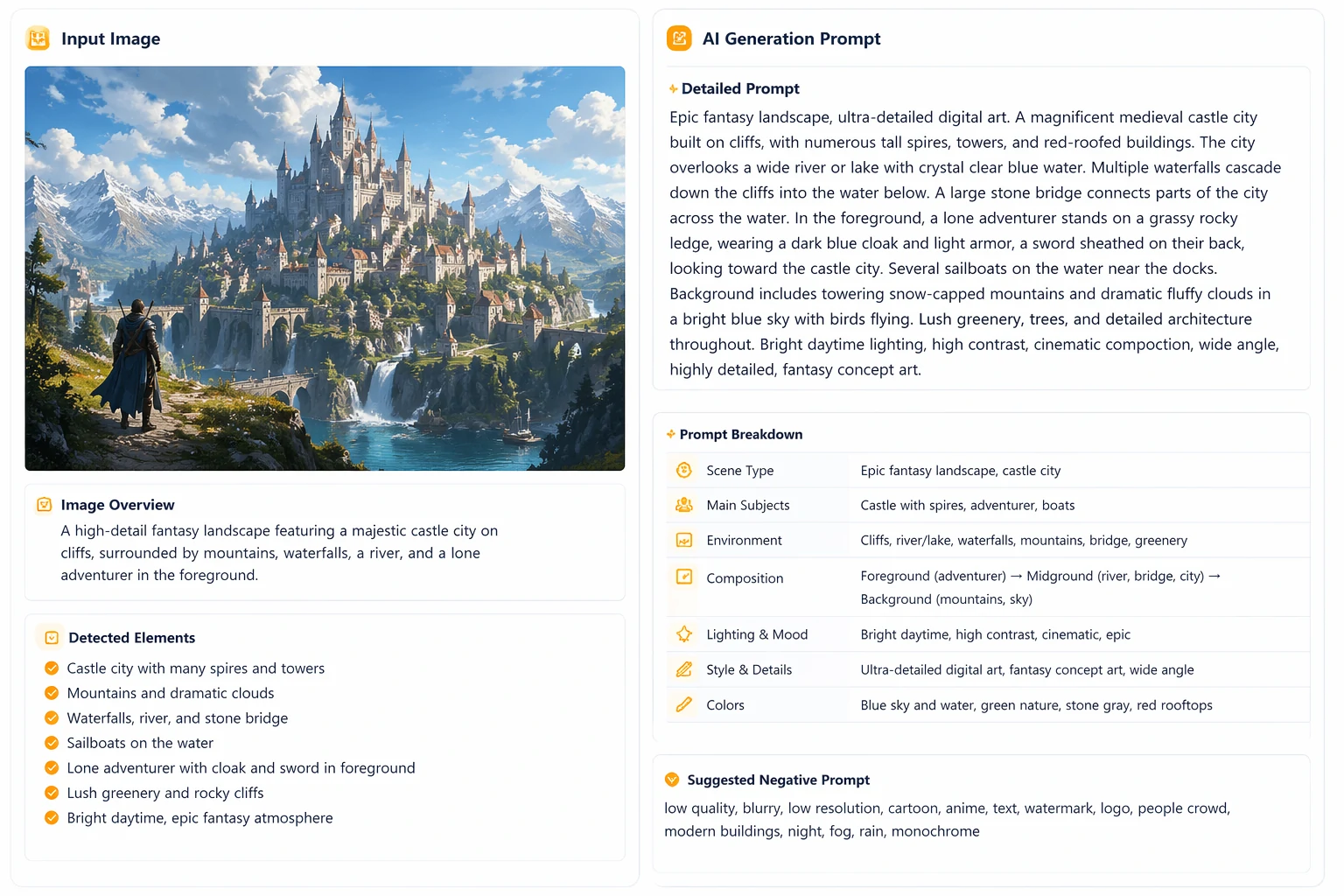
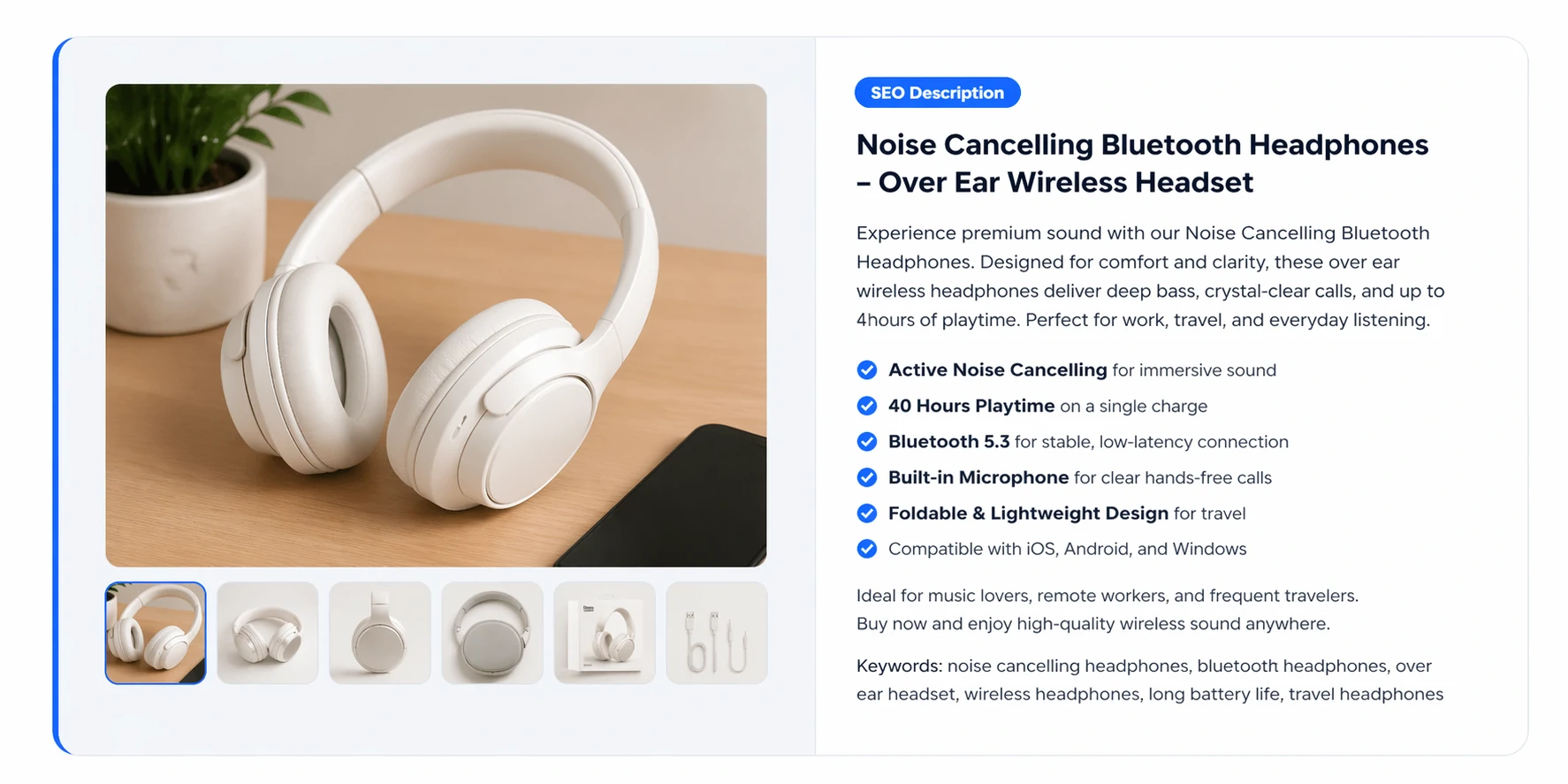 Image to Prompt
 SEO Metadata
 Alt Text
 Product Listing
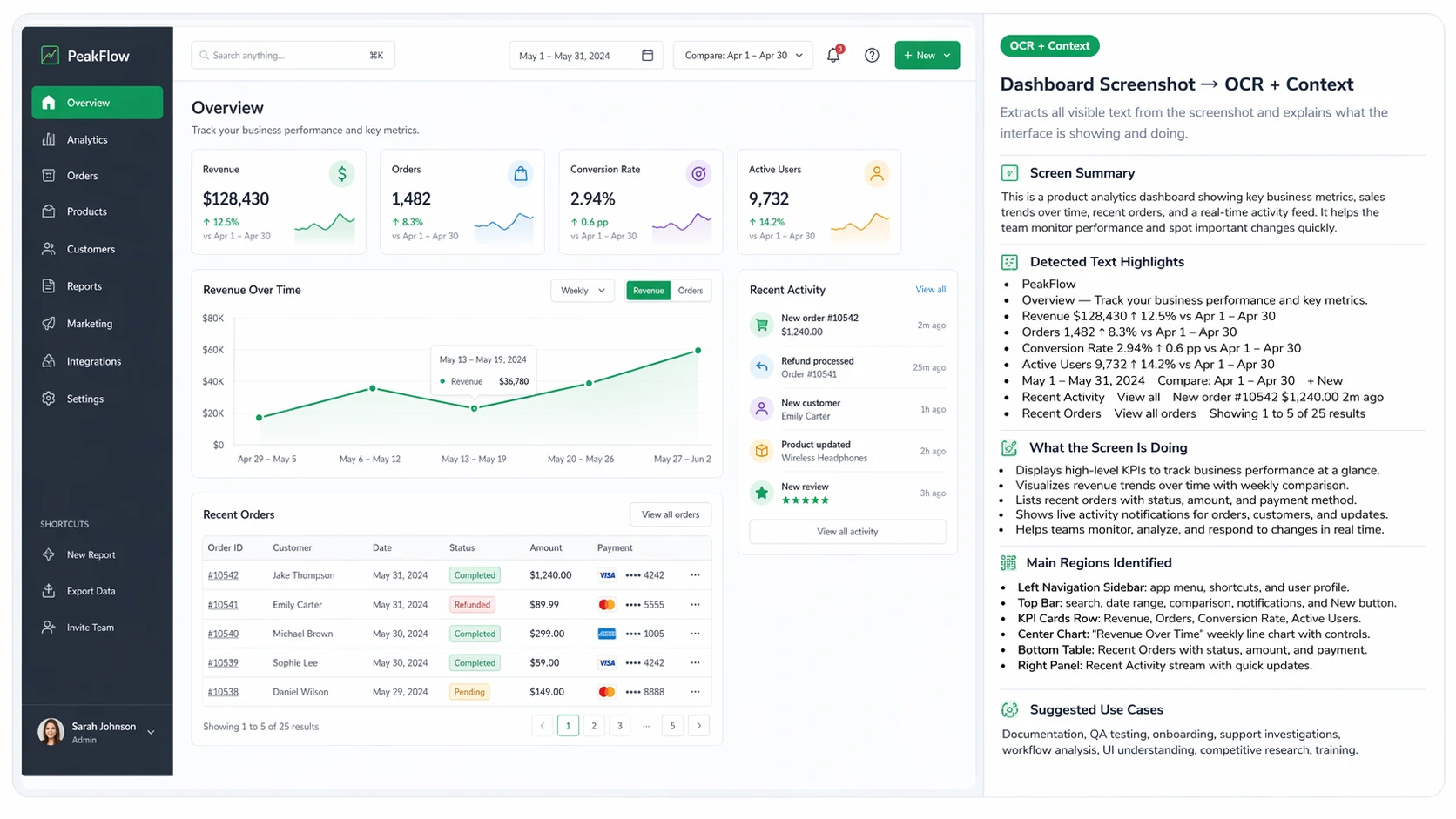
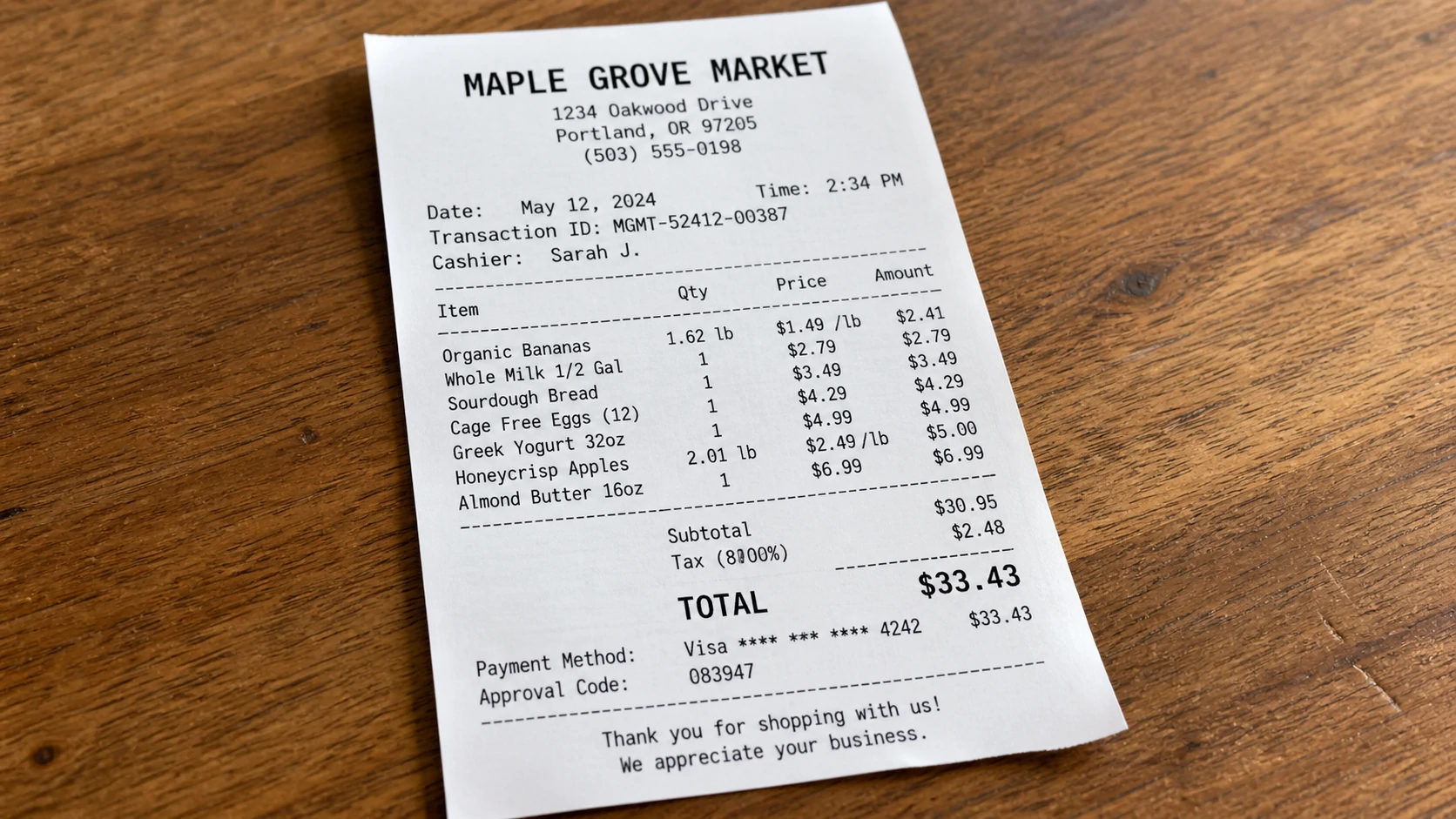 OCR + Layout
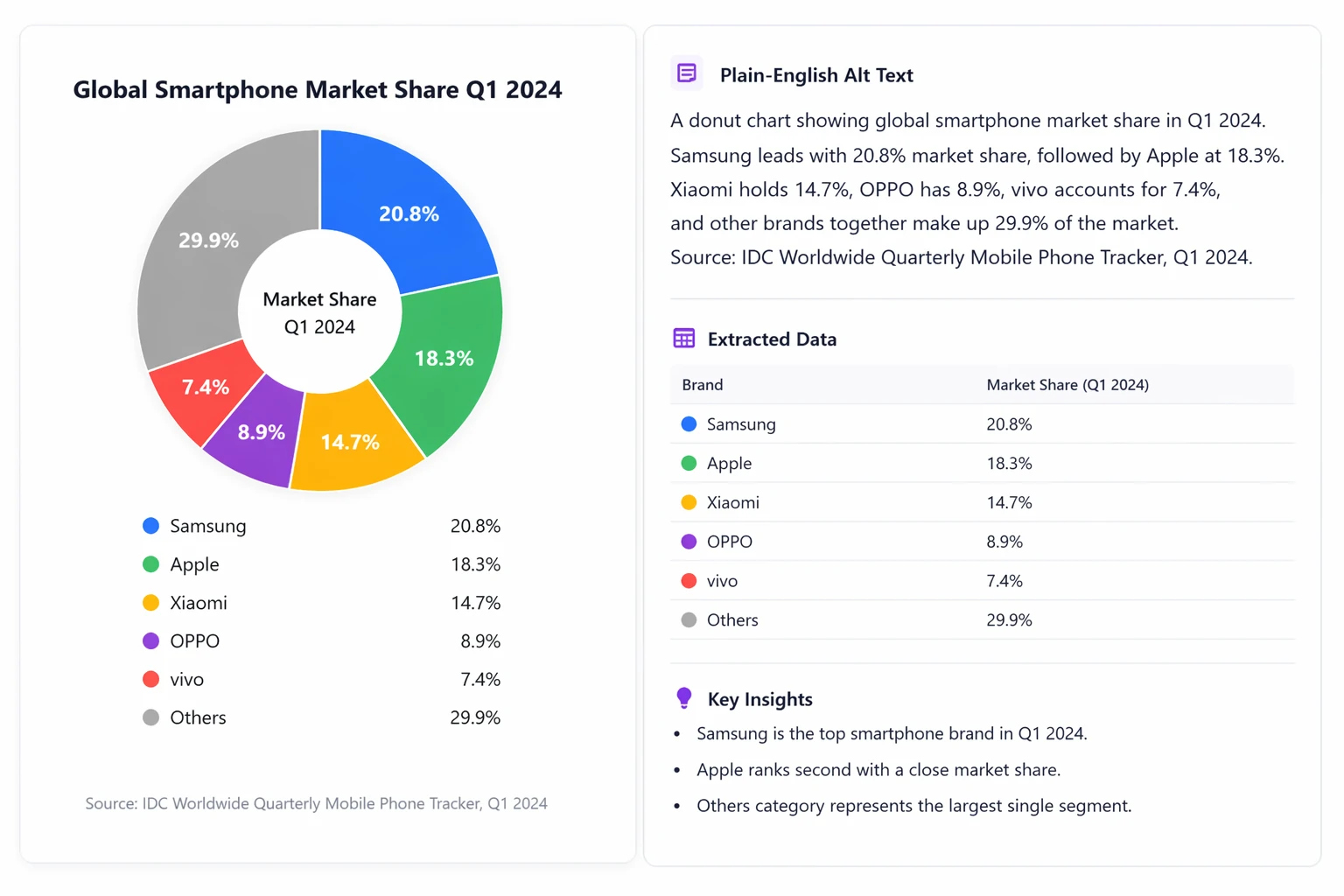
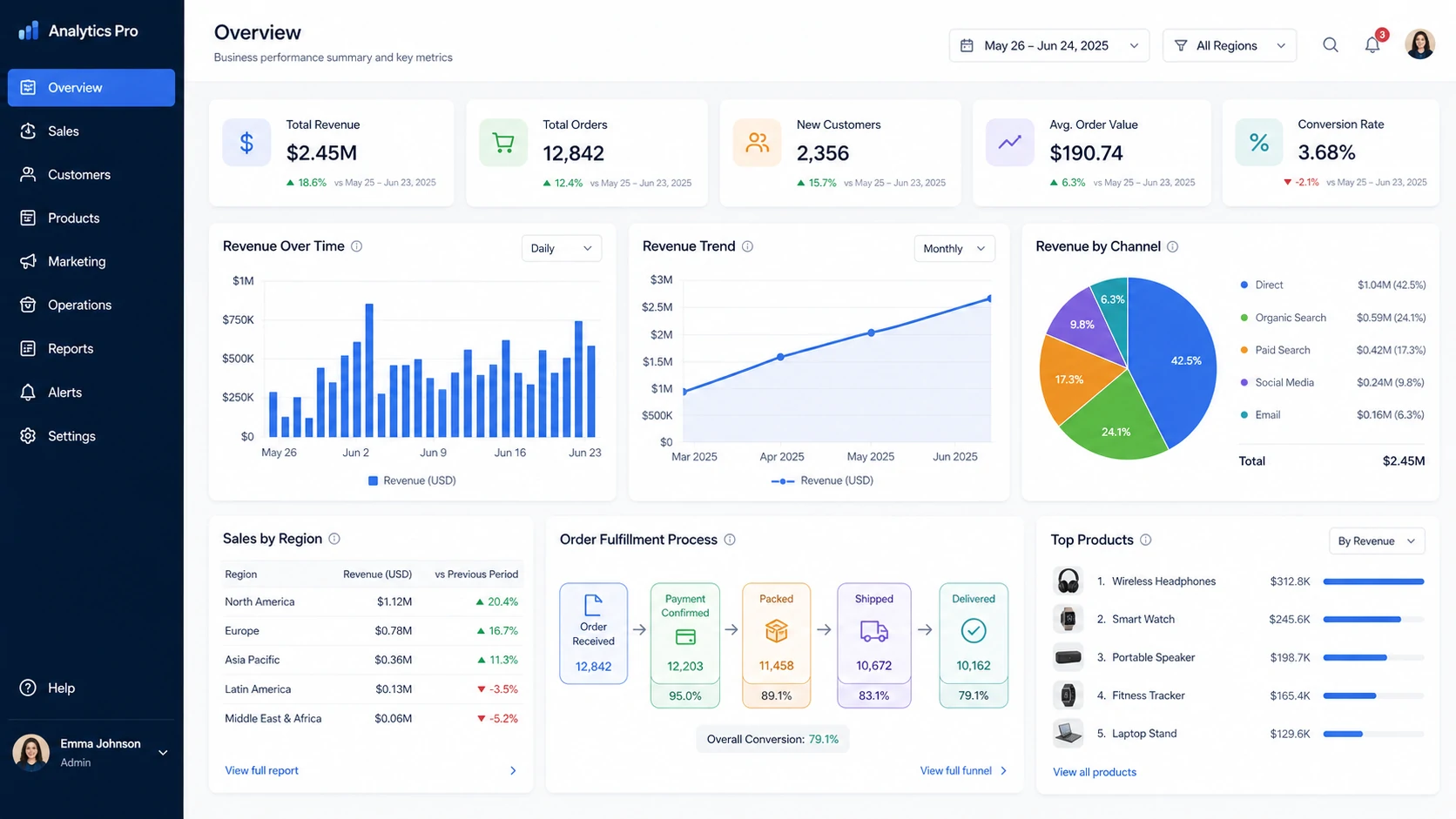 Chart Analysis
 Social Caption
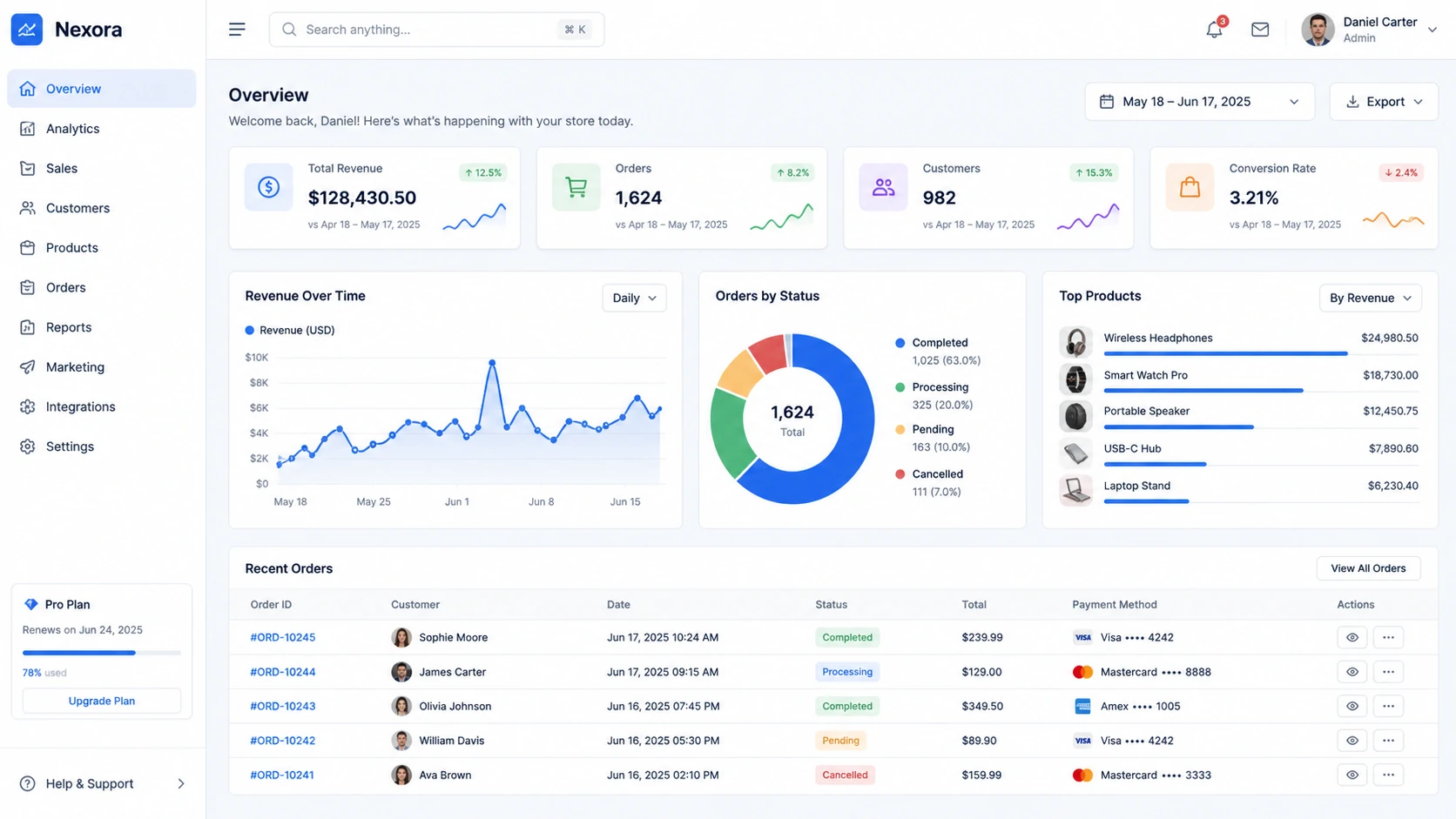 UI to Code
 Object Detection
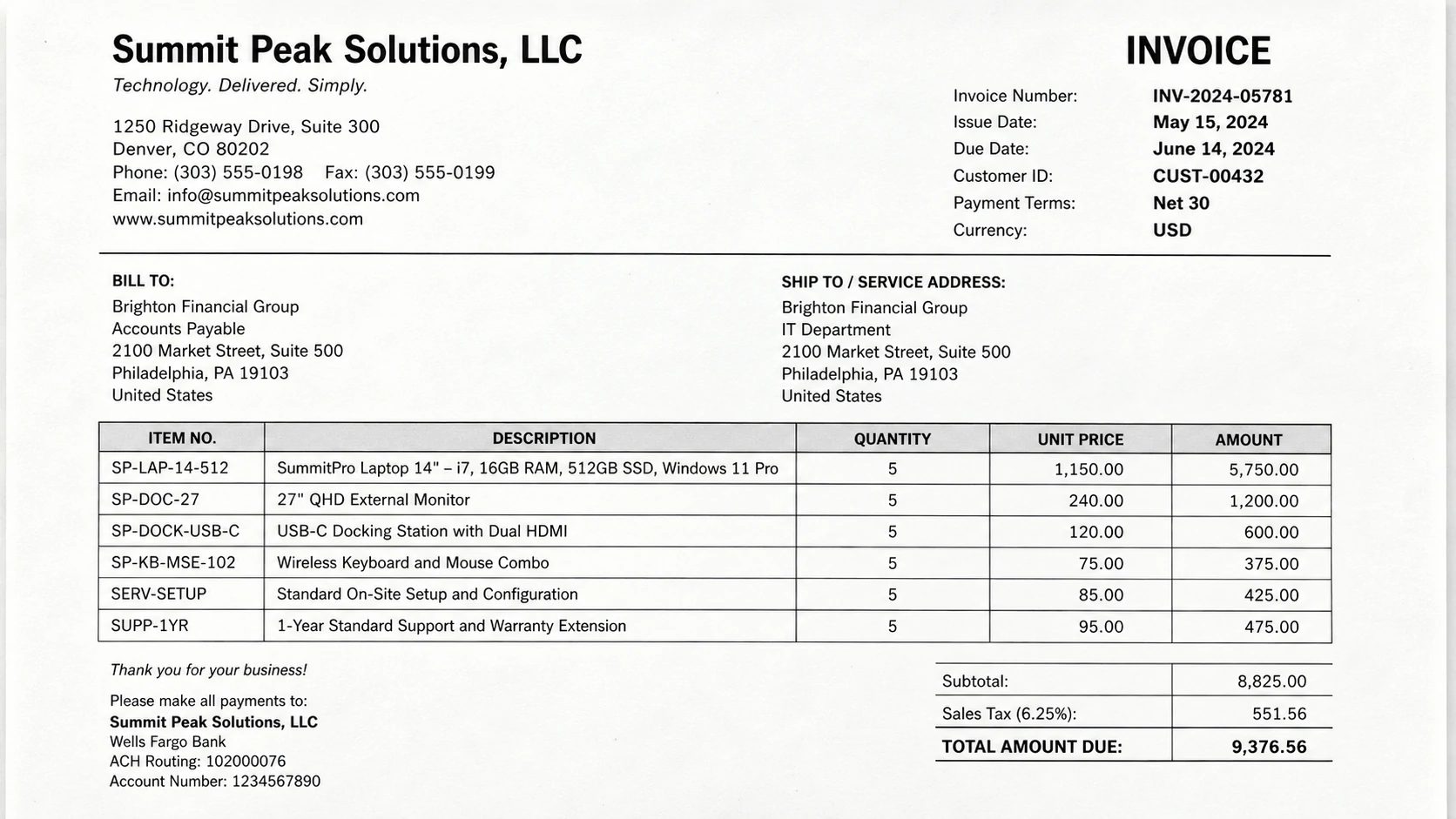 Document -> JSON
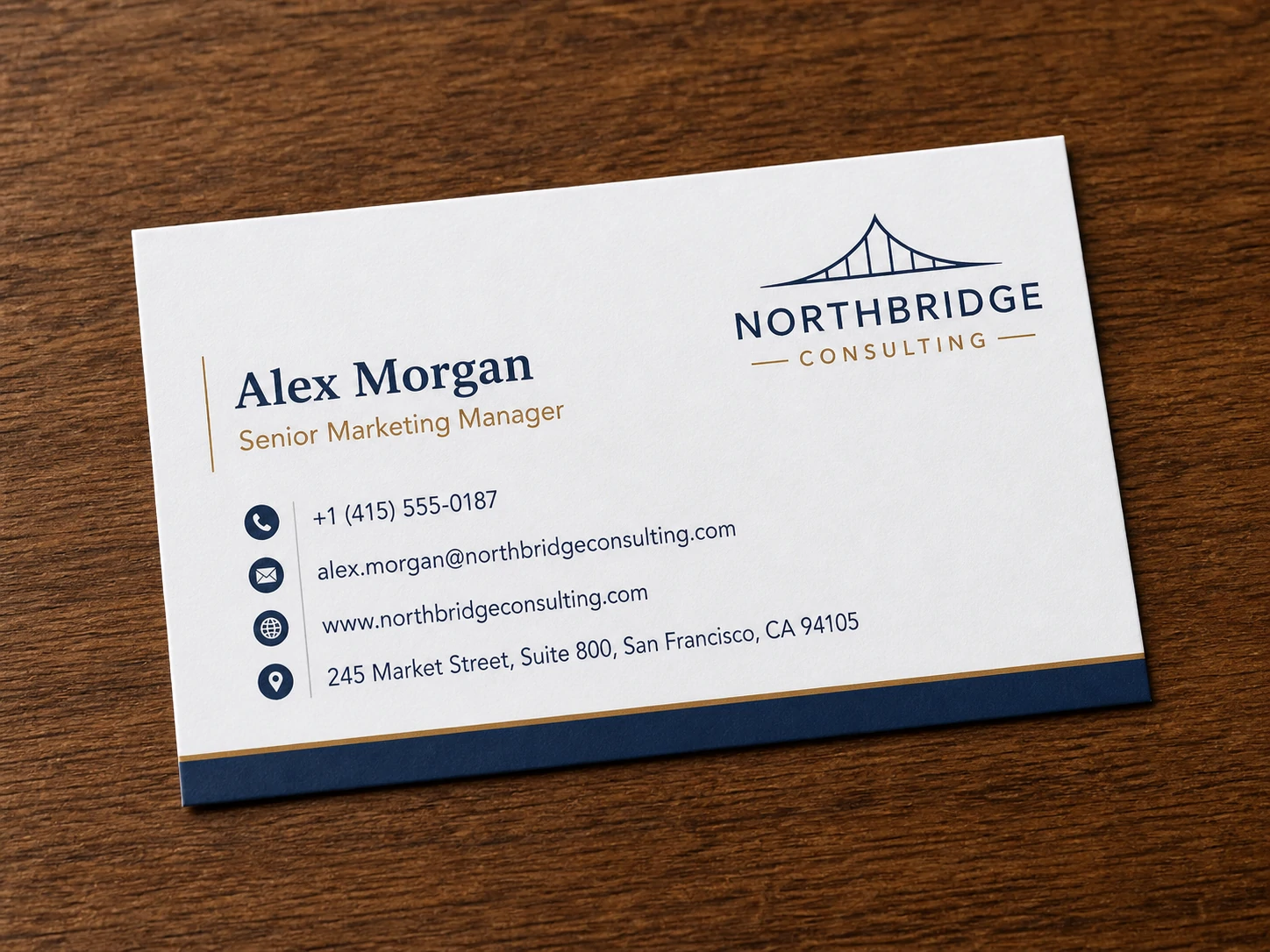 Contact Extract
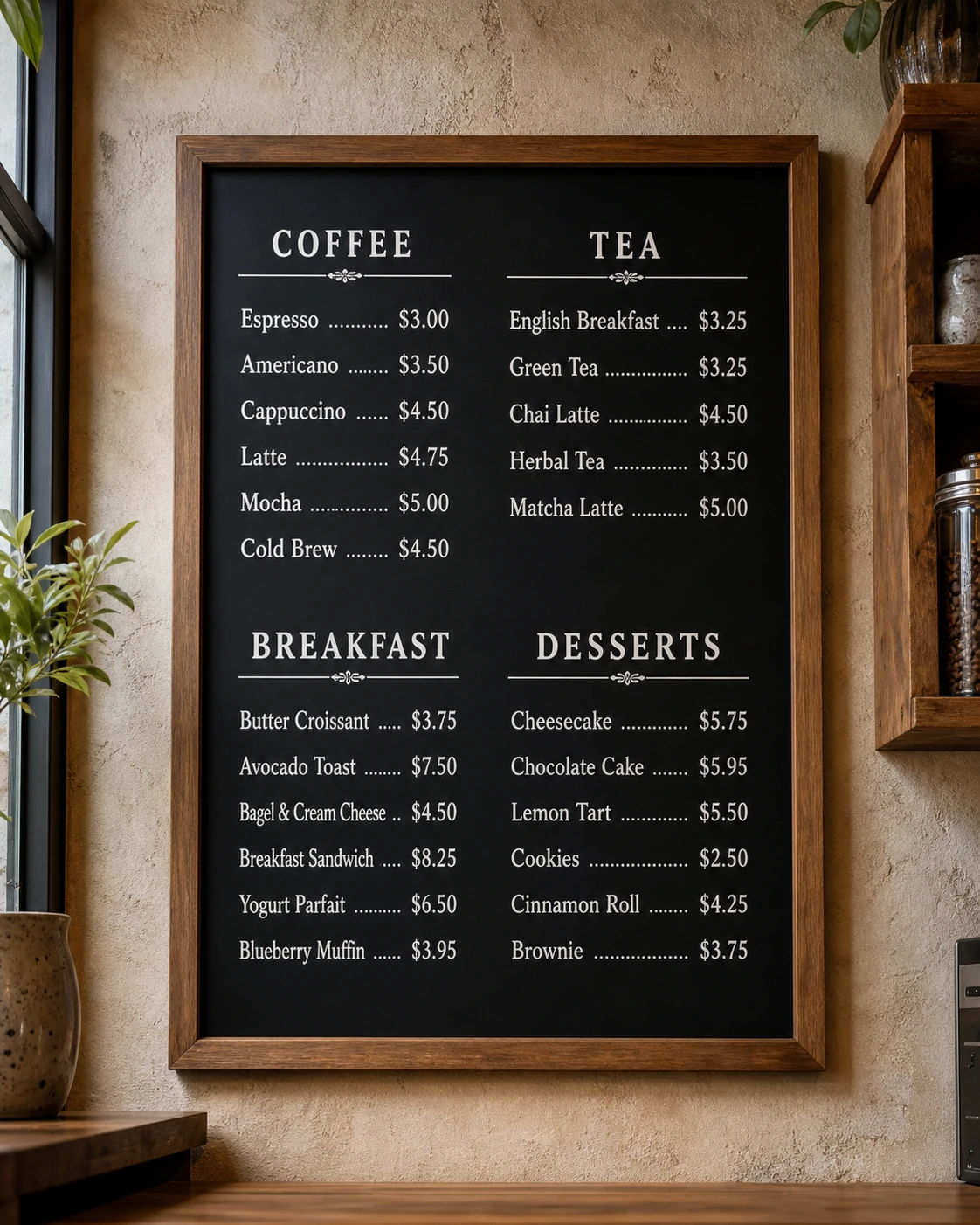 Menu OCR
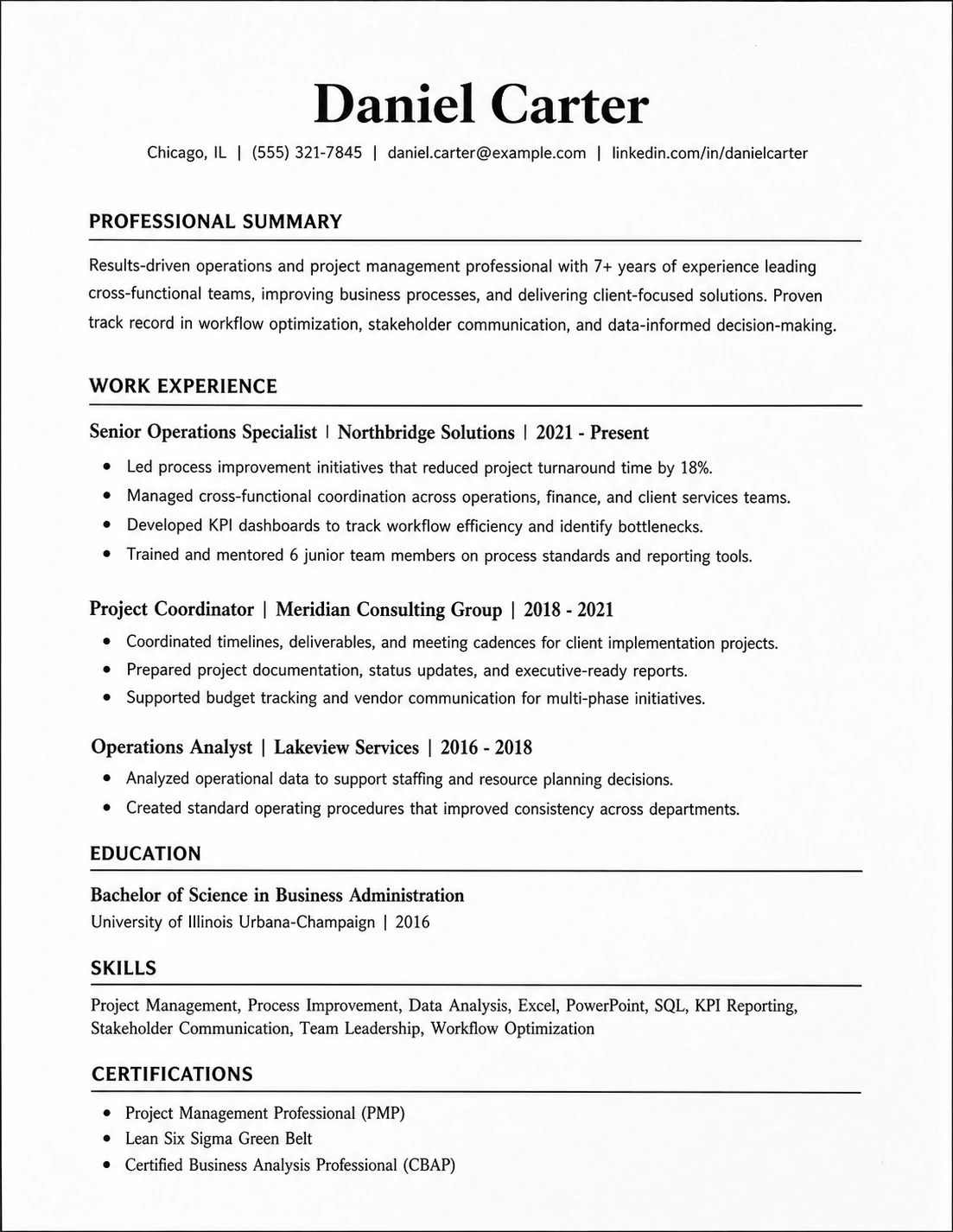 Resume Parse
 Real Estate
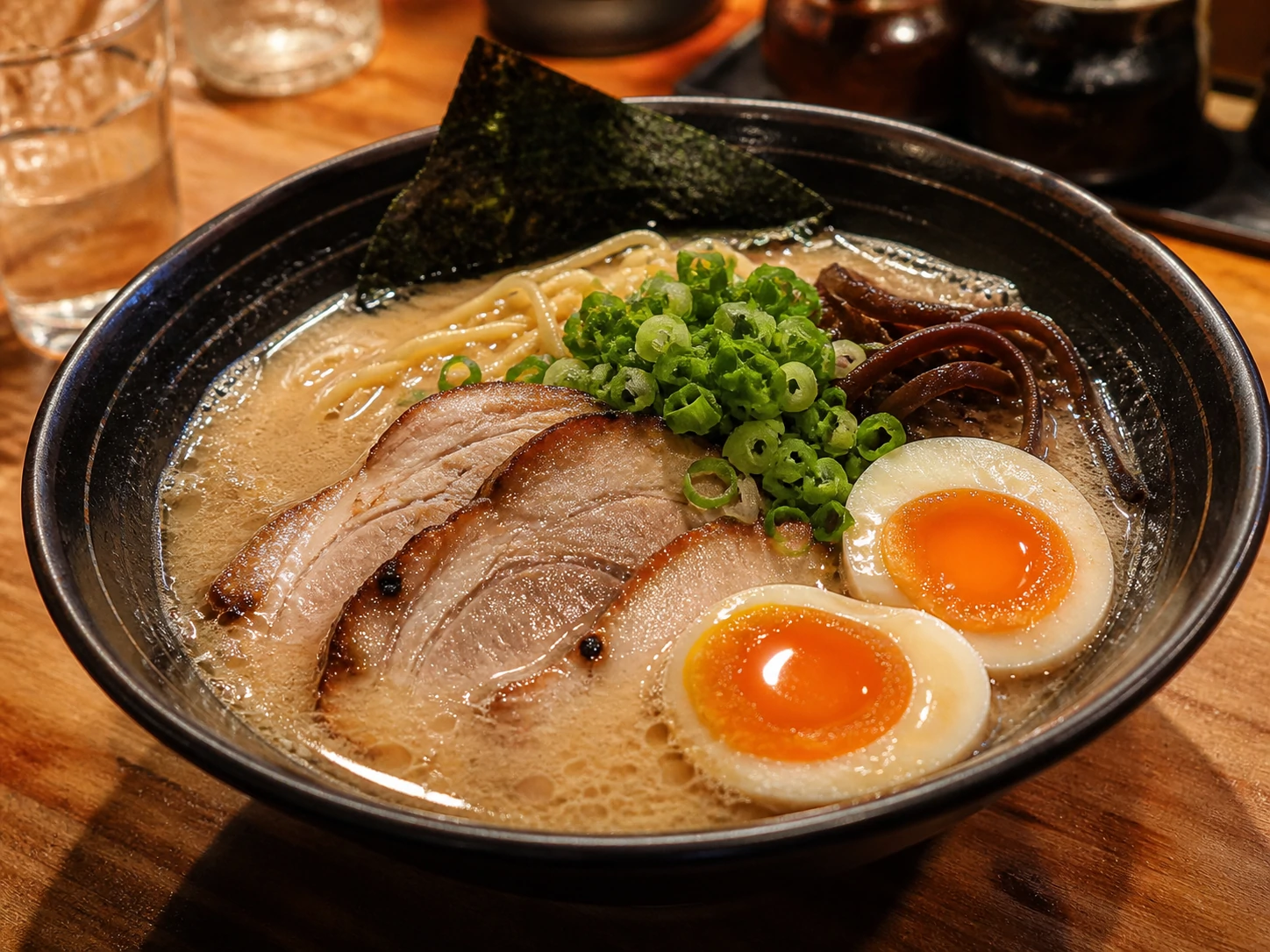 Food Photo
Need a product-specific workflow?
Turn a product photo into visible attributes, catalog copy, and a verification checklist.
One upload, dozens of possibilities. Here is what you can actually accomplish.
Upload any photo, illustration, or artwork — get a detailed generation prompt you can paste directly into Midjourney, DALL-E, Stable Diffusion, or Flux to recreate the style.
Search engines can't see images. Add keyword-rich descriptions and structured alt text so Google indexes every image on your site — critical for image search traffic.
Auto-generate WCAG-compliant alt text under 125 characters for screen readers. One of the fastest ways to fix accessibility audit failures across an entire site.
Upload a product photo, get a structured listing with title, bullet points, and description — ready for Amazon, Shopify, Etsy, or any marketplace.
OCR that reads 32 languages including handwriting, tilted shots, receipts, and dense documents. Goes beyond raw text — preserves layout and explains context.
Turn bar charts, flowcharts, org charts, and infographics into plain-English explanations anyone can understand — ideal for reports and documentation.
Upload a photo, get a ready-to-post caption with hooks and hashtags for Instagram, X, LinkedIn, or TikTok. Match your brand tone automatically.
Upload a UI screenshot or wireframe, get HTML, CSS, or a Draw.io diagram. Skip the manual recreation step — your design becomes working code.
Get a timestamped breakdown of what happens in any video — actions, on-screen text, transitions, and spoken context. Supports clips up to 20+ minutes.
Recognize celebrities, anime characters, landmarks, plants, animals, products, and logos — with broader visual knowledge than standard vision models.
Extract dates, amounts, line items, and structured fields from scanned invoices, contracts, receipts, and forms — no manual data entry.
Drag, drop, paste a URL, or select a file. Supports JPG, PNG, WebP, GIF up to 15 MB.
Description, alt text, OCR, prompt, SEO copy, or video summary.
Reuse the result in your workflow instantly. Regenerate to try a different angle.
Related tools
Ask detailed follow-up questions about one photo, screenshot, chart, receipt, or document.
Open toolAsk timeline-based questions about scenes, actions, visible text, and changes across a video clip.
Open toolConvert a reference image into a reusable prompt with style, lighting, composition, subject details, and constraints.
Open toolGenerate accessible, SEO-friendly alt text from images
Open toolExtract editable text from screenshots, UI captures, chats, slides, errors, and documents.
Open toolCombine up to five views of one product into a factual description, visible features, and details to confirm.
Open toolTurn table images into editable spreadsheets
Open toolRealistic workflow notes
Practical image and video workflows from accessibility writing, ecommerce content, OCR cleanup, prompt research, support, and review tasks.
Ecommerce product listings
Supplier photos often arrive with no notes. I use the first answer to draft a title and a few feature bullets.
.webp&w=128&q=75)
Accessibility alt text
I usually ask for a detailed read first, then a version under 125 characters. That second pass is where it becomes useful for real alt text work.
.webp&w=128&q=75)
Social caption drafts
For image-heavy posts, I upload the visual before writing the caption. It gives me the objects, setting, and mood in plain language, so the final copy sounds less like a generic template.
.webp&w=128&q=75)
Screenshot support notes
I use it for messy customer screenshots. It reads the visible text, explains the screen state, and gives me a draft reply. I still verify the issue, but I do not have to manually describe every button and error message first.
.webp&w=128&q=75)
Blog image SEO
It helps me write image copy that mentions what is actually visible, not just the keyword I had in mind.
.webp&w=128&q=75)
Inventory photo notes
Warehouse images are rarely clean. I ask what label text can be read, what object is shown, and what is too blurry to trust.
.webp&w=128&q=75)
Course slide summaries
I upload dense lecture slides and ask for two versions: a short explanation for captions and a student-friendly version for notes. It is not a replacement for editing, but it helps me move faster when a deck has fifty slides.
.webp&w=128&q=75)
Landing page QA
I ask it to separate visible copy, layout, and possible issues before I send feedback to design.
.webp&w=128&q=75)
Image to prompt research
I use it to pull out composition, lighting, and style words from reference images. The prompt still needs my taste, but the visual breakdown saves a lot of tedious note taking.
.webp&w=128&q=75)
Video scene review
For short clips, I ask for a timestamped map first. Then I follow up on the exact moment where the product appears or the on-screen text changes. It is much easier than scrubbing back and forth while trying to write notes.
.webp&w=128&q=75)
Document OCR cleanup
Receipts are never perfectly cropped. I mainly want to know what is readable and what needs checking.
.webp&w=128&q=75)
Chart explanation
I paste a lot of charts into internal reports. The tool gives me a plain-English summary first, and then I verify the numbers myself before sharing the final note.
.webp&w=128&q=75)
Real estate photo captions
For property photos, I need room, light, layout, and visible features described without sounding like an ad. This gives me a neutral first draft.
.webp&w=128&q=75)
UI bug screenshots
Bug reports get clearer when the screenshot is described properly. I ask for the visible state, any error text, and the likely next user action. Then I turn that into a ticket the engineer can understand without guessing what I saw.
.webp&w=128&q=75)
Ad creative review
Before feedback, I ask what the strongest focal point is. That keeps the review grounded.
.webp&w=128&q=75)
Catalog cleanup
Some catalog images arrive with no naming convention. I ask for product type, color, and distinguishing details, then use that to rename files more consistently across the batch.
.webp&w=128&q=75)
Marketplace QA
Before publishing, I ask what a buyer can actually see and what is missing. It makes the copy more honest.
.webp&w=128&q=75)
Creative brief prep
I use the image description as a neutral first read before writing a creative brief. It catches small details I sometimes skip because I already know the campaign background.
.webp&w=128&q=75)
Training material summaries
For internal screenshots and short walkthrough videos, I ask for step-by-step notes. The first draft is rough, but it is much easier to polish than starting from a blank doc, especially when the training flow has several small UI states.
.webp&w=128&q=75)
Design handoff checks
I split layout, hierarchy, and visible text into separate questions. It keeps my design feedback cleaner.
.webp&w=128&q=75)
Travel image captions
I use it when I need a caption that mentions the actual place details in the photo. The result still sounds like a draft, but it avoids vague travel language and gives me something specific to rewrite.
.webp&w=128&q=75)
Video prompt planning
For reference clips, I ask for scene order and camera movement first.
.webp&w=128&q=75)
Newsletter visuals
I use it to describe newsletter images for editors who have not seen the asset yet. It makes the review thread shorter and more specific.
.webp&w=128&q=75)
Research image notes
For saved reference images, I ask for a factual description, visible text, and a list of uncertain details. Later, when I search my notes, I can find the image by what was actually in it instead of relying on a vague filename.
Trust and control
Before you upload private visuals or choose a plan, here is what Describe Image does and does not promise.
Signed-in users can choose whether to save results. When saving is off, uploads are used for processing and results stay on the current page.
You retain rights to uploaded media and generated outputs. Describe Image only uses content as needed to provide and operate the service.
AI outputs can be incomplete or inaccurate, so users should review them before publishing.
Failed paid requests caused by service-side errors may return credits; support contact is available through support@describeimage.io.
You have seen what Describe Image can do. Choose annual billing for the best value, monthly billing for flexibility, or a one-time credit pack with no subscription.
Best value for regular image and video workflows
Billed $95.99 per year
Best value for frequent creators
Billed $185.99 per year
For professionals who create visual text at scale
Billed $459.99 per year
Annual plans offer the lowest cost per credit
Save up to 58.26% with annual billing, or choose a one-time pack when you do not want a subscription.
Practical answers about using Describe Image for visual content, OCR, alt text, SEO copy, prompts, video analysis, uploads, privacy, and saved results.
Upload an image and turn it into descriptions, alt text, OCR, SEO copy, captions, prompts, or review notes in a few clicks.